Cowboy Bottle Mockup: Realistic 3D Design Presentation
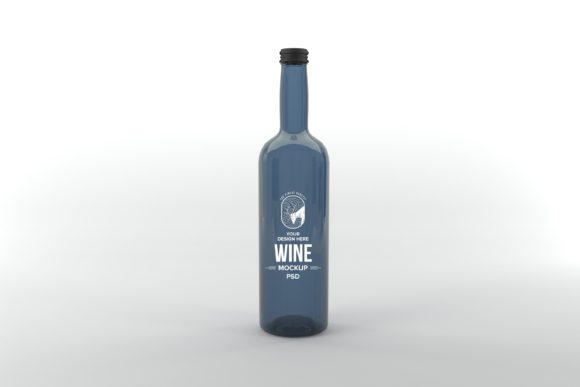
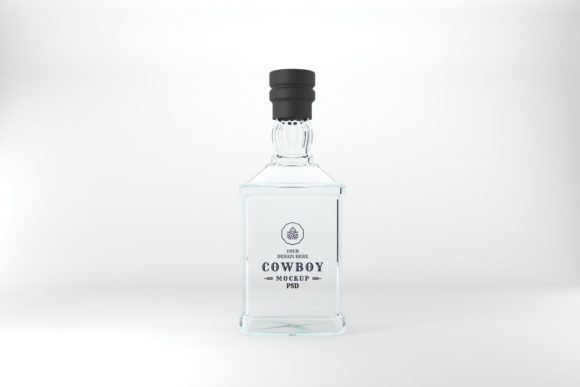
Ever struggled to make your label design look convincing on a bottle? A high-quality mockup can transform a flat graphic into a tangible product, and the Cowboy Bottle Mockup is designed to do exactly that with striking realism.
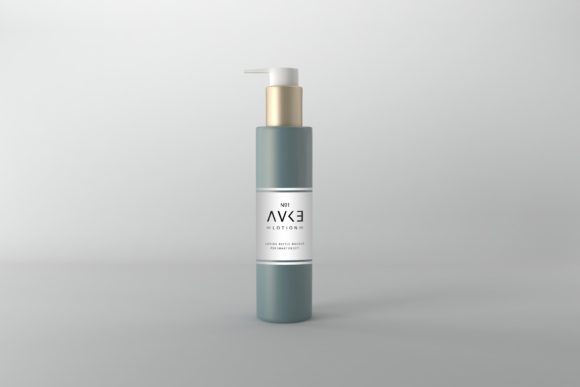
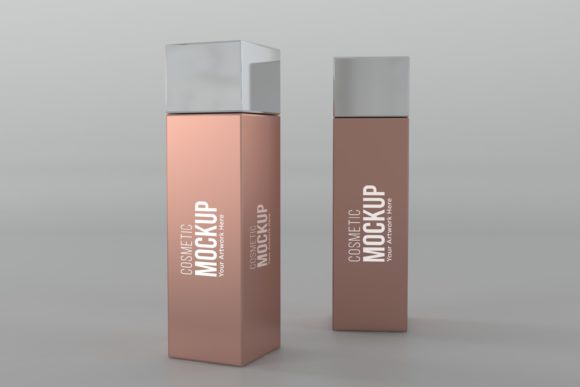
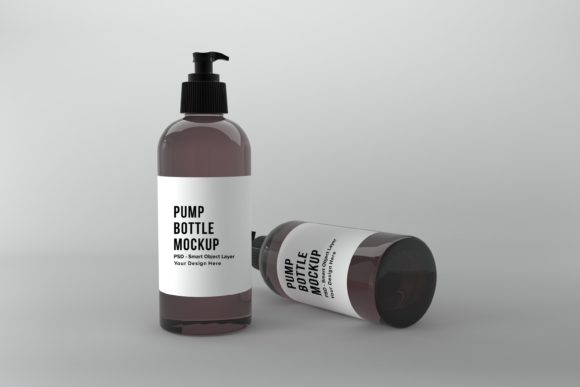
This isn't just another standard 3D render. The Bottle Label Mockup is a 3D realistic rendered file, setting it apart with photorealistic depth and lighting that makes your artwork look like it's already on a physical bottle. It's an ideal design asset for branding projects, product launches, or client presentations where you need to showcase your work professionally.
Why This Mockup Stands Out
The value of a great mockup lies in its ability to save time and elevate your presentation. Creating a photorealistic bottle scene from scratch requires advanced 3D skills and hours of work. This mockup provides a polished, ready-to-use scene that makes your design the star. The minimalistic background ensures your label isn't distracted by clutter, allowing the focus to remain on your creative work.
For designers and creators, this tool is incredibly practical. It's perfect for:
- Brand Identity & Packaging Design: Show clients how their logo and branding will look on actual product packaging before it goes to print.
- Portfolio Presentations: Add a professional, high-end touch to your design portfolio with realistic product shots.
- Marketing Materials: Create compelling visuals for websites, social media graphics, printed brochures, or digital ads.
- E-commerce & Product Mockups: Generate attractive product images for online stores or pitch decks.
How to Use It Effectively
Using the mockup is straightforward, even if you're not a Photoshop expert. The file utilizes Smart Object layers, which means you simply open the designated layer, paste your label design, and save. Your artwork is automatically wrapped onto the bottle with realistic perspective and lighting. The high-resolution dimension of 5000 x 3333px ensures your final presentation looks crisp and detailed, whether it's viewed on a screen or in print.
When preparing your label design for the mockup, consider a few tips for the best result. Ensure your design file is high-quality and has a transparent background if needed. Think about the mood of your brand; a vintage script font might suit a rustic spirits bottle, while a clean sans serif font could be perfect for a modern beverage. The mockup's neutral style allows it to adapt to various aesthetics, from classic to contemporary.
Beyond the Bottle: Thinking About Your Fonts
While the mockup presents your label, the typography on that label is crucial for brand recognition. Choosing the right typeface—whether a premium serif font for elegance, a bold display font for impact, or a friendly handwritten font for authenticity—sets the entire tone. Consider how your chosen font pairs with others for hierarchy and readability. A well-chosen font, presented in a realistic mockup, builds trust and visual consistency across all your brand touchpoints, from the bottle itself to your website and social media graphics.
This Cowboy Bottle Mockup is more than just a file; it's a tool that bridges the gap between concept and reality. It helps you present your design work with confidence, making it easier for clients and customers to envision the final product. By combining a smart mockup with thoughtful typography, you create a cohesive and professional presentation that truly stands out.